Best Ways to Transfer Photos from Phone to Computer: Simple Steps

Best Ways to Transfer Photos from Phone to Computer: Simple Steps

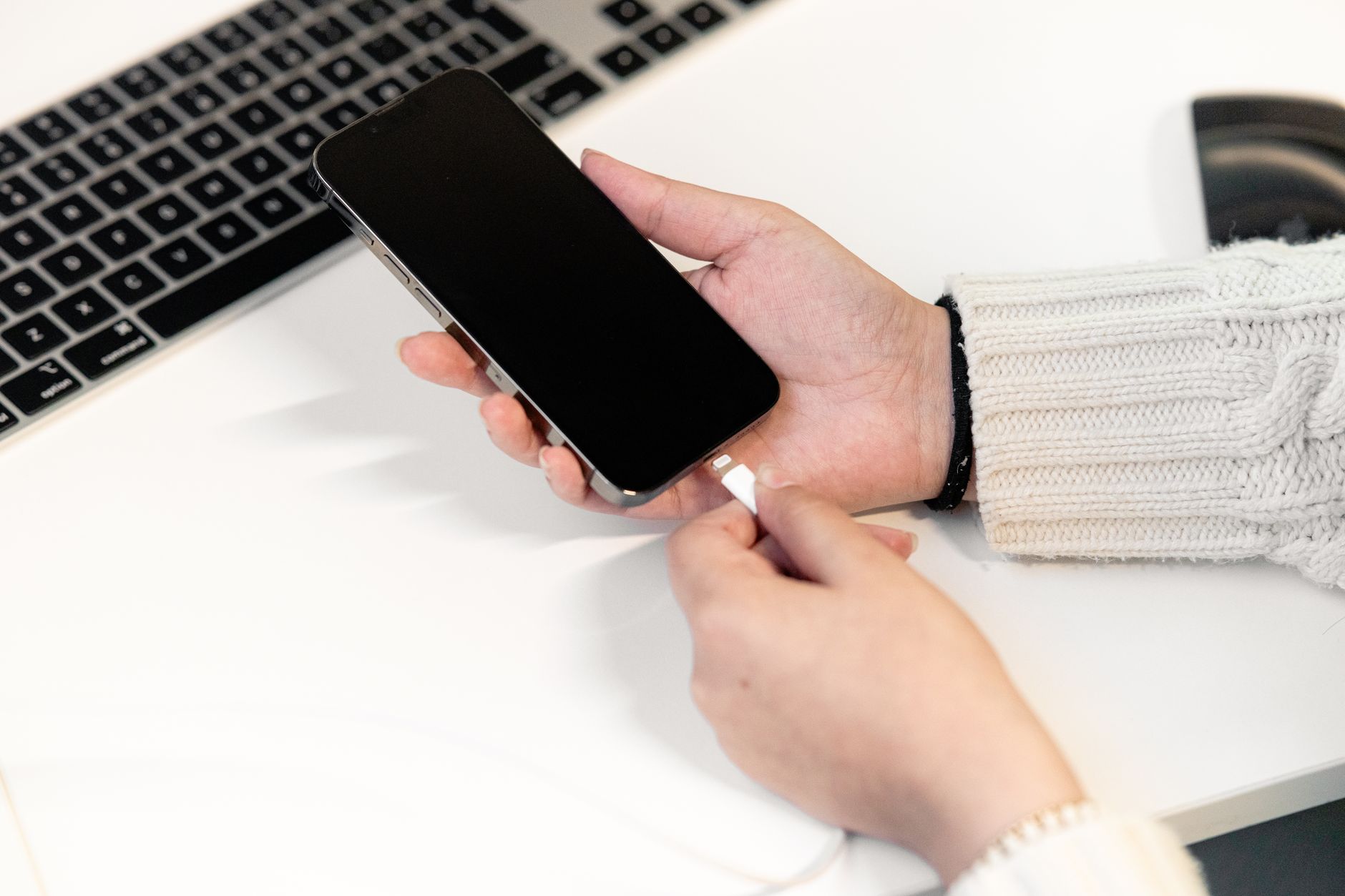
Quick Answer: The easiest way is to use the USB cable that charges your phone. Plug it into your computer, unlock the phone, and choose File Transfer or Trust This Computer. Then open the Photos app on Windows or Image Capture on Mac. Wireless options like Google Photos and iCloud also work well. Transferring photos from your phone to a computer can feel confusing. But it does not have to be. This guide shows simple steps for iPhone and Android. We focus on the USB cable method first because it is fast and free. We also cover wireless options like Google Photos and iCloud. If you just got a new phone, read how to set up a new iPhone or how to set up an Android phone before you start. The steps are short and easy to follow. ...

August 23, 2026 · 13 min · Jarrod Gravison
Best Tablet Tips: How to Use a Tablet for Seniors

Best Tablet Tips: How to Use a Tablet for Seniors

Quick Answer: A tablet is a touch screen computer that is easy to learn. Charge it, press the power button, and follow setup to connect Wi-Fi. Then practice three moves: tap, swipe, and pinch. Increase text size in Display settings, install free apps from the official store, and use video calling to see family. Safety basics prevent most problems. A tablet can feel like a giant phone or a tiny TV, but it is actually a simple computer with a touch screen. You can read, watch shows, make video calls, and send photos without a mouse or keyboard. Pew Research Center reports that tablet ownership among adults 65 and older has grown steadily, and many older adults now use a tablet as their main device for going online. Pew Research Center tracks these technology adoption trends. ...

August 23, 2026 · 13 min · Jarrod Gravison
Best Ways to Increase Text Size on iPhone and Android

Best Ways to Increase Text Size on iPhone and Android

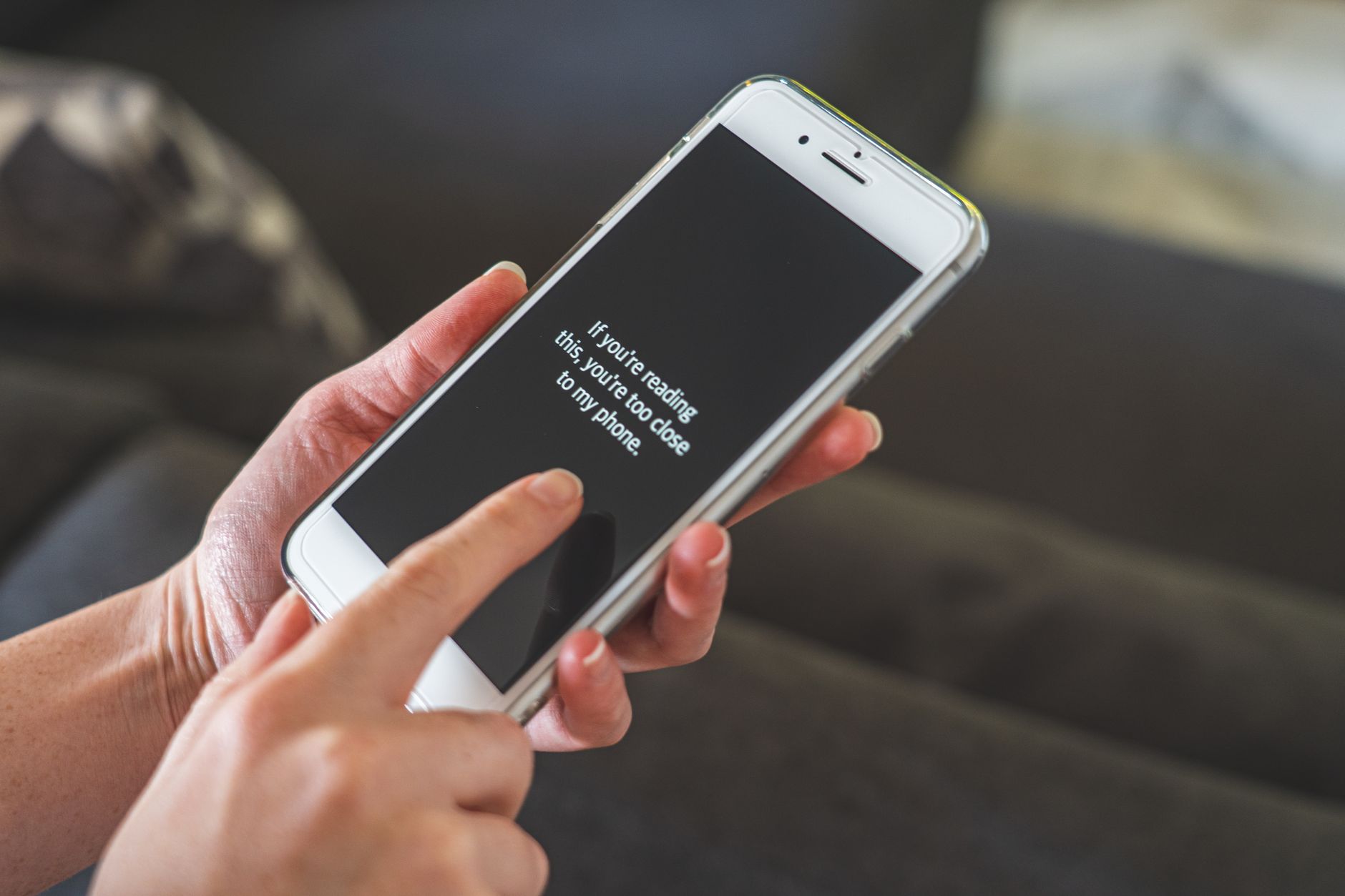
Quick Answer: On iPhone, go to Settings > Accessibility > Display & Text Size, then tap Larger Text and drag the slider. On Android, go to Settings > Accessibility > Font size and drag the slider right. For individual apps, look under the app's own Settings or in Messages and WhatsApp. These changes take effect immediately and can be undone anytime. If you find yourself pulling the phone closer or reaching for reading glasses, the problem is usually not your eyesight alone. Phones ship with small default text that many people find hard to read. The good news is both iPhone and Android include built-in settings that let you increase text size without installing anything. In this guide, I will show you the exact screens to open and the specific sliders to move. Before you start, it helps to know how your phone is set up. You can review our guide to setting up a new iPhone if you are on your first Apple device. ...

August 23, 2026 · 15 min · Jarrod Gravison
Best Way to Set Up a New Android Phone: Easy Steps for Beginners

Best Way to Set Up a New Android Phone: Easy Steps for Beginners

Quick Answer: Setting up a new Android phone takes about 15 to 30 minutes. You need to charge the phone, insert your SIM card, turn it on, connect to Wi-Fi, sign in with a Google account, and choose whether to copy data from your old phone. Then set a screen lock and update your apps. After that, you are ready to call, text, and use apps. Getting a new Android phone can feel exciting and a little confusing at the same time. You see new screens, prompts, and choices that may not make sense at first. This guide walks you through every step in plain English. We have helped many beginners and seniors set up their phones without calling a family member for help. If you also own an Apple device, you may want to compare with our guide on how to set up a new iPhone. ...

August 23, 2026 · 11 min · Jarrod Gravison
Best iPhone Setup Guide: Step-by-Step for Beginners

Best iPhone Setup Guide: Step-by-Step for Beginners

Quick Answer: Turn on your iPhone, connect to Wi-Fi, set a passcode, sign in with your Apple ID, and transfer data from your old phone or start fresh. Follow the on-screen steps and keep both devices plugged in. Basic setup usually takes 20 to 40 minutes. Congratulations on your new iPhone. If this is your first smartphone, you are in good company. Pew Research Center reports that 61% of Americans 65 and older now own a smartphone. The setup may feel like a lot, but Apple designed the iPhone to guide you one screen at a time. You do not need to be a tech expert. You only need a little patience, your Wi-Fi password, and about half an hour. This guide walks through each step in plain language. ...

August 23, 2026 · 12 min · Jarrod Gravison